
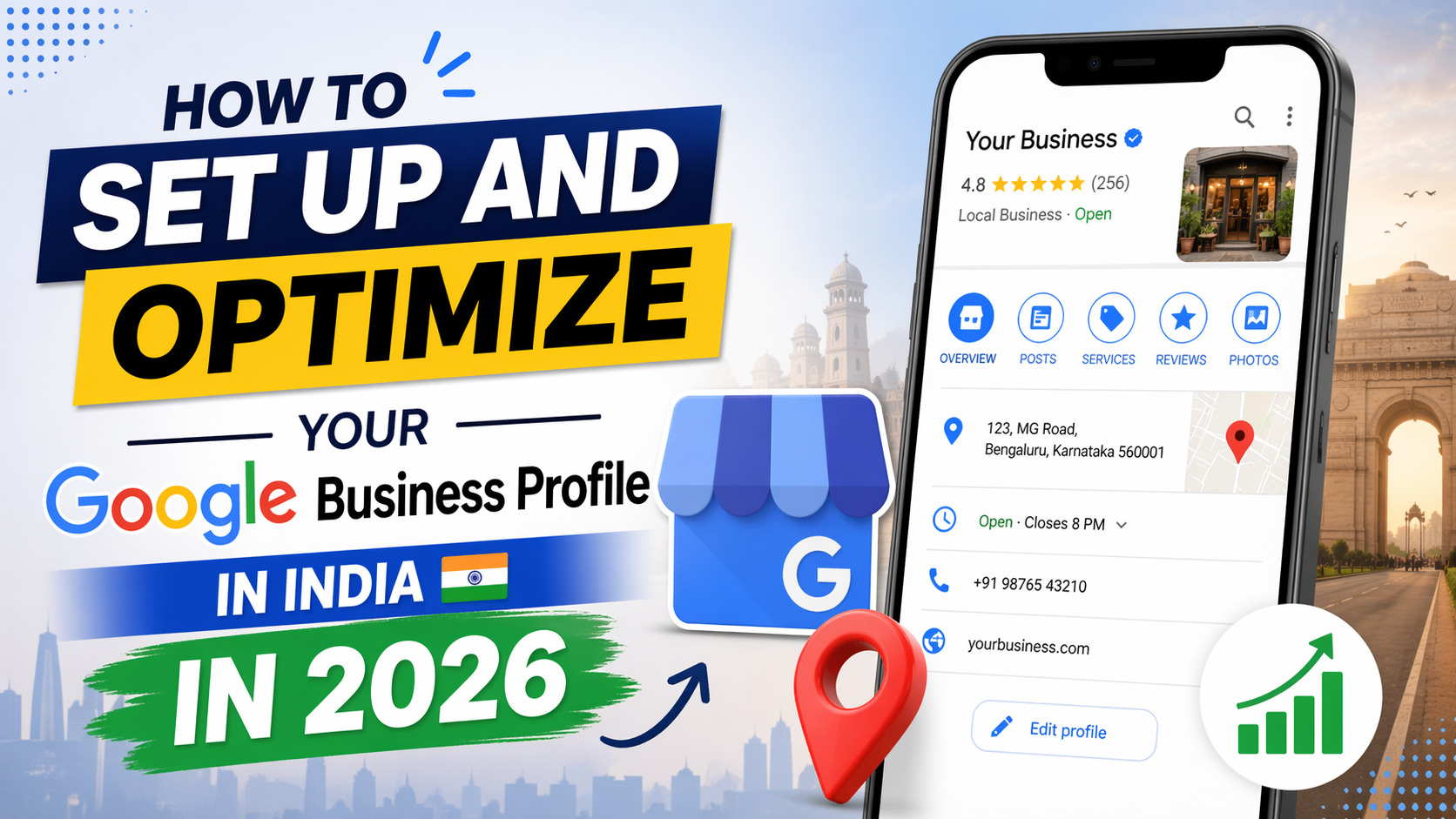
Overview
If your business is not showing up on Google Maps when a local customer searches for what you offer, you are losing leads every single day to competitors who have done one simple thing — set up and optimized their Google Business Profile. In 2026, a fully completed Google Business Profile is the single most powerful free tool available to Indian small and medium businesses for local SEO India visibility, customer acquisition, and brand credibility.
Most Indian business owners have heard of Google Business Profile — formerly known as Google My Business — but a significant number have either never set one up, or set one up incompletely and never returned to it. A neglected Google Business Profile is almost as damaging as not having one at all. Incomplete information, missing Google Business photos, no business reviews on Google, and outdated business hours on Google all signal to Google's algorithm that your local business listing India is not active — which directly suppresses your local search ranking.
This complete guide walks you through exactly how to create, verify, and optimise your Google Business Profile in India in 2026 — from the first step of creating your google business account to advanced optimization techniques that improve your Google search visibility and bring in more customers consistently.
What Is a Google Business Profile and Why Does It Matter?
A Google Business Profile is a free local business listing India tool provided by Google that allows businesses to appear in Google Search and Google Maps results. When someone searches "web development company near me" or "best restaurant in Howrah", Google displays a set of local business listing India results — those results come directly from Google Business Profile data.
Your google business page is what appears in these local results — showing your business name, address, phone number, business hours on Google, Google Business photos, customer reviews Google, and a direct link to your website. A well-optimized google business page gives potential customers everything they need to choose your business before they even visit your website.
Local SEO India success in 2026 is inseparable from Google Business Profile performance. Google uses your google business listing data as a primary signal for local search ranking — meaning the quality and completeness of your google business listing directly determines where you appear in local search results. For Indian businesses competing in their city or neighborhood, this local search ranking advantage is often the difference between consistent enquiries and complete invisibility online.
A strong google my business account also builds trust. Customers searching for local businesses in India are far more likely to contact a business with a complete google my business account showing genuine business reviews on Google, recent Google Business photos, and accurate business hours on Google than one with no local business listing India presence at all.
Setting Up Your Google Business Account Step by Step
Creating your google business account is the starting point for everything that follows. Here is exactly how to set it up correctly from the beginning:
Creating and Claiming Your Google Business Page
Go to business.google.com and sign in with your Google account — this becomes your google my business account login. Search for your business name to check whether a google business page already exists for your location. Google sometimes auto-generates google business page listings from publicly available data — if one exists for your business, claim it rather than creating a duplicate. Duplicate google business listing entries confuse Google's algorithm and hurt your local search ranking.
If no google business page exists, click "Add your business" and enter your business name exactly as it appears on your signboard, official documents, and website. Consistency in your business name across your google business listing, website, and all online directories is a foundational NAP consistency principle — NAP stands for Name, Address, and Phone number. NAP consistency means your business name, address, and phone number are identical everywhere they appear online. Poor NAP consistency is one of the most common reasons Indian businesses fail to rank well in local search despite having a google my business account.
Select your primary business category carefully — this is one of the most important local SEO India decisions you make during setup. Your category tells Google what kind of business you are, which directly influences which searches trigger your google business listing in results. Choose the most specific category that accurately describes your primary service.
Enter your complete address for your Google Maps listing. Your Google Maps listing address must match your physical location exactly — Google uses this to verify your local business listing India and to display your business pin accurately on the map. If your business serves customers at their location rather than receiving them at a fixed address, you can set a service area on your Google Maps listing instead.
Complete Your Google Business Page — Every Section Matters
Once your google business account is created, the completeness of your google business page directly impacts your Google search visibility. Google's own data confirms that businesses with complete google business page profiles receive significantly more clicks, calls, and direction requests than incomplete ones. Here is what every section of your google business page should contain:
Your Google Business description is your opportunity to tell Google and potential customers exactly what your business does, who it serves, and what makes it different. A well-written Google Business description should be 250 words, include your primary services naturally, mention your location, and reflect the tone of your brand. Your Google Business description is indexed by Google — which means keywords in your Google Business description contribute to your Google search visibility for relevant local searches.
Business hours on Google must be accurate and kept up to date. Incorrect business hours on Google is one of the most common complaints customers leave in business reviews on Google — and a business that shows as "open" when it isn't loses trust immediately. Update your business hours on Google for public holidays, special closures, and seasonal changes as they happen.
NAP consistency across your google business listing, website, and all social media profiles must be maintained rigorously. Even small variations in NAP consistency — a different pin code, a short form of your street name, or an old phone number — create conflicting signals that reduce your local search ranking. Audit your NAP consistency across every platform at least once every six months.
Google Business photos are among the most impactful elements of your google business page. Businesses with Google Business photos receive significantly more direction requests and website clicks than those without. Add high-quality Google Business photos covering your storefront, interior, team, products, and completed work. Google Business photos should be updated regularly — Google's algorithm favors active google business listing profiles, and fresh Google Business photos signal that your business is operating and engaged.
Google Business Verification — How to Get Confirmed by Google
Google Business verification is the process by which Google confirms that your business is legitimate and located where you claim. Until Google Business verification is complete, your google business listing will have limited visibility in search results and on your Google Maps listing. Completing Google Business verification is non-negotiable for any business serious about local SEO India performance.
In India in 2026, Google Business verification is most commonly done via postcard — Google mails a physical postcard with a verification code to your business address, which you then enter in your Google Business Profile dashboard. The postcard typically arrives within 5 to 14 days. Some businesses are eligible for phone or email Google Business verification depending on the category and account history.
Video verification has also become available for some google my business account holders in India — this involves recording a short video showing your business location, signage, and interior to confirm the Google Business verification claim. Follow all Google Business verification instructions carefully — a failed verification attempt can delay your google business listing going live by weeks.
Once Google Business verification is complete, your full google business page goes live on Google Search and your Google Maps listing becomes fully visible to local searchers. Your Google Business Profile dashboard becomes your control center for all ongoing management and optimization.
Optimizing Your Google Business Listing for Maximum Visibility
Setting up your google business listing is only the beginning. Ongoing optimization of your google business listing is what drives consistent improvement in local search ranking and Google search visibility over time.
Your Google Business Profile dashboard gives you access to every optimization tool available — from editing business information and adding Google Business photos to creating Google Business posts and reviewing Google Business insights. Spend time in your Google Business Profile dashboard at least once a week reviewing what is working and what needs attention.
Local search ranking in India is influenced by three primary factors according to Google — relevance, distance, and prominence. Relevance means how well your google business listing matches what the searcher is looking for — which is why your Google Business description, category selection, and service listings must be precise. Distance is self-explanatory. Prominence refers to how well-known and active your business is online — driven by business reviews on Google, Google Business photos, Google Business posts, website quality, and NAP consistency across the web.
Google Business insights in your Google Business Profile dashboard show you exactly how customers are finding your google business page — whether through direct searches for your business name, discovery searches for your category, or Google Maps listing browsing. Use Google Business insights data to understand which search queries trigger your google business listing and optimize your Google Business description and services accordingly. Google Business insights also show you how many customers called, requested directions, or visited your website — giving you a direct measure of how your local business listing India is performing.
How to Use Google Business Posts, Photos and Insights
Google Business posts are one of the most underused features of the Google Business Profile — and one of the most effective for improving Google search visibility and engagement. Google Business posts appear directly on your google business page in search results, giving you a real-time content channel to communicate offers, updates, events, and news directly to customers who find your google business listing.
Publish Google Business posts at least once a week. Google Business posts can include text, images, and a call-to-action button — use them to promote seasonal offers, announce new services, share blog content from your blog page, or highlight customer success stories. Regular Google Business posts signal to Google that your google my business account is active, which contributes positively to your local search ranking.
Google Business photos should be added consistently — not just during setup. Add new Google Business photos every time you complete a significant project, receive a new product, host an event, or make a visible change to your premises. Each set of Google Business photos you add refreshes your google business page in Google's eyes and gives new visitors more reasons to choose your business. Geo-tag your Google Business photos before uploading — this adds location metadata that strengthens your Google Maps listing signals.
Managing Customer Reviews on Google the Right Way
Business reviews on Google are the most powerful trust signal your google business listing can have — and one of the strongest local search ranking factors Google uses to evaluate local business listing India quality. A google business page with consistent, genuine customer reviews Google outranks competitors with fewer or lower-rated reviews in almost every local SEO India scenario.
Actively ask satisfied customers to leave business reviews on Google. Send a follow-up WhatsApp message after a completed project with a direct link to your google business listing review section. The easier you make it for customers to leave customer reviews Google, the more reviews you will collect. Customer reviews Google volume and recency both influence local search ranking — a steady stream of new reviews consistently outperforms a large batch of old ones.
Respond to every review on your google business page — positive and negative. Responding to customer reviews Google shows Google and potential customers that your google my business account is actively managed. For negative business reviews on Google, respond professionally, acknowledge the concern, and offer to resolve it offline. How you handle negative customer reviews Google is often more influential on prospective customers than the negative review itself.
Common Mistakes That Kill Your Local Search Ranking
Even businesses with a complete google business account and strong Google Business photos make mistakes that quietly suppress their local search ranking. Understanding these is as important as the setup itself:
- Inconsistent NAP consistency — any variation in your business name, address, or phone number across your google business listing, website, and directories undermines your local search ranking signals
- Ignoring Google Business posts — a google business page with no recent Google Business posts appears inactive to Google's algorithm, which reduces Google search visibility
- No Google Business verification — an unverified google my business account has severely limited Google Maps listing visibility regardless of how complete the profile is
- Outdated business hours on Google — incorrect business hours on Google damages customer trust and generates negative business reviews on Google
- Missing Google Business description — a blank Google Business description wastes one of the most impactful local SEO India optimization opportunities on your entire google business page
Conclusion
A fully set up and actively optimized Google Business Profile is the highest-return free investment any Indian business can make in their local SEO India presence in 2026. From your google business account creation and Google Business verification through to consistent Google Business posts, regular Google Business photos, strong customer reviews Google, and weekly Google Business insights analysis — every element of your google business listing contributes to your local search ranking and Google search visibility.
NAP consistency, a compelling Google Business description, accurate business hours on Google, and a well-maintained Google Maps listing are not advanced SEO techniques — they are the basics that every Indian business should have in place before spending a single rupee on advertising.
If you need help building a website that supports your Google Business Profile performance, or want professional SEO services and digital marketing services that go beyond the basics, explore our full range of services including web development services on our services page. Our FAQ section also answers common questions about local search and Google Business Profile optimization for Indian businesses.
At Infinite Option, we help Indian businesses build complete digital presences — from professional websites and web development services to SEO services and digital marketing services that drive real, measurable growth.