
Introduction
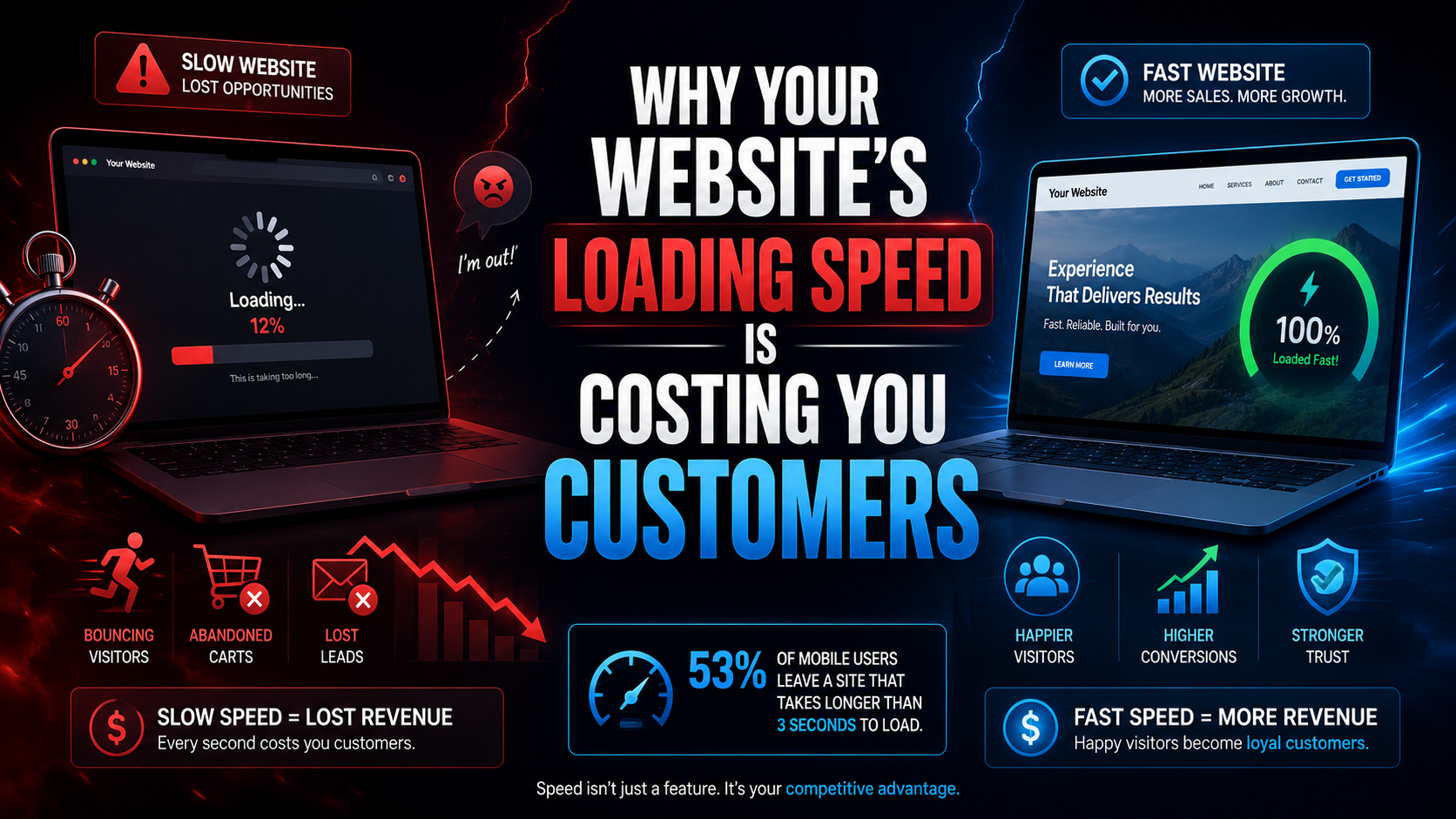
There is a specific moment that decides whether your website earns a customer or loses one, and it happens before anyone reads a single word on your page. It is the moment between the tap and the load — those two, three, or five seconds where your visitor stares at a blank screen or a half-rendered layout and makes a decision that no amount of good content can reverse. Website loading speed is not a technical metric that only developers should care about. It is the first and most brutal filter your business faces online, and for Indian SMBs operating in competitive local markets, a slow website is not an inconvenience. It is a revenue leak that compounds every single day. At Infinite Option, we run speed audits on business websites across Kolkata, Howrah, and tier-2 cities weekly, and the pattern is disturbingly consistent — owners who spent good money on a website three or four years ago have no idea that their site now takes six, seven, sometimes ten seconds to load on a typical mobile connection. This blog breaks down exactly what that delay costs you in real terms, why it is happening, and the specific steps involved in website speed optimization that actually produce measurable results.
The Real Revenue Impact of a Slow Website
The data on this is not ambiguous. Google's own research has confirmed that as page load time increases from one second to three seconds, the probability of a visitor bouncing increases by 32 percent. Push that to five seconds and the bounce rate probability jumps to 90 percent. For a business that depends on its website for lead generation — whether that is a services inquiry form, a product catalogue, or a booking page — every second of delay is a direct, quantifiable hit to revenue.
But the damage extends beyond the immediate bounce. A high bounce rate sends a clear signal to Google's algorithm that your page is not satisfying user intent. Over time, this degrades your search engine rankings, which reduces organic traffic, which further reduces the number of people who even get the chance to experience your slow site. It is a compounding spiral, and most business owners only notice it when their competitors — the ones who invested in site speed optimization — start appearing above them in search results.
What Three Seconds Actually Costs an Indian SMB
Consider a practical scenario. A small web development services company in a tier-2 city gets 1,200 organic visitors per month. Their website takes 5.8 seconds to load on a mobile device. At that speed, research suggests they are losing approximately 50 to 60 percent of their mobile traffic to abandonment before the page even renders. That is roughly 600 potential customers per month who clicked, waited, and left. Even if only 3 percent of those would have converted into inquiries, that is 18 lost leads every month — leads that went to a competitor with a fast loading website. Multiply that across a year, assign a conservative value per lead, and the cost of a slow website loading speed is not theoretical. It is a figure that would make most business owners uncomfortable.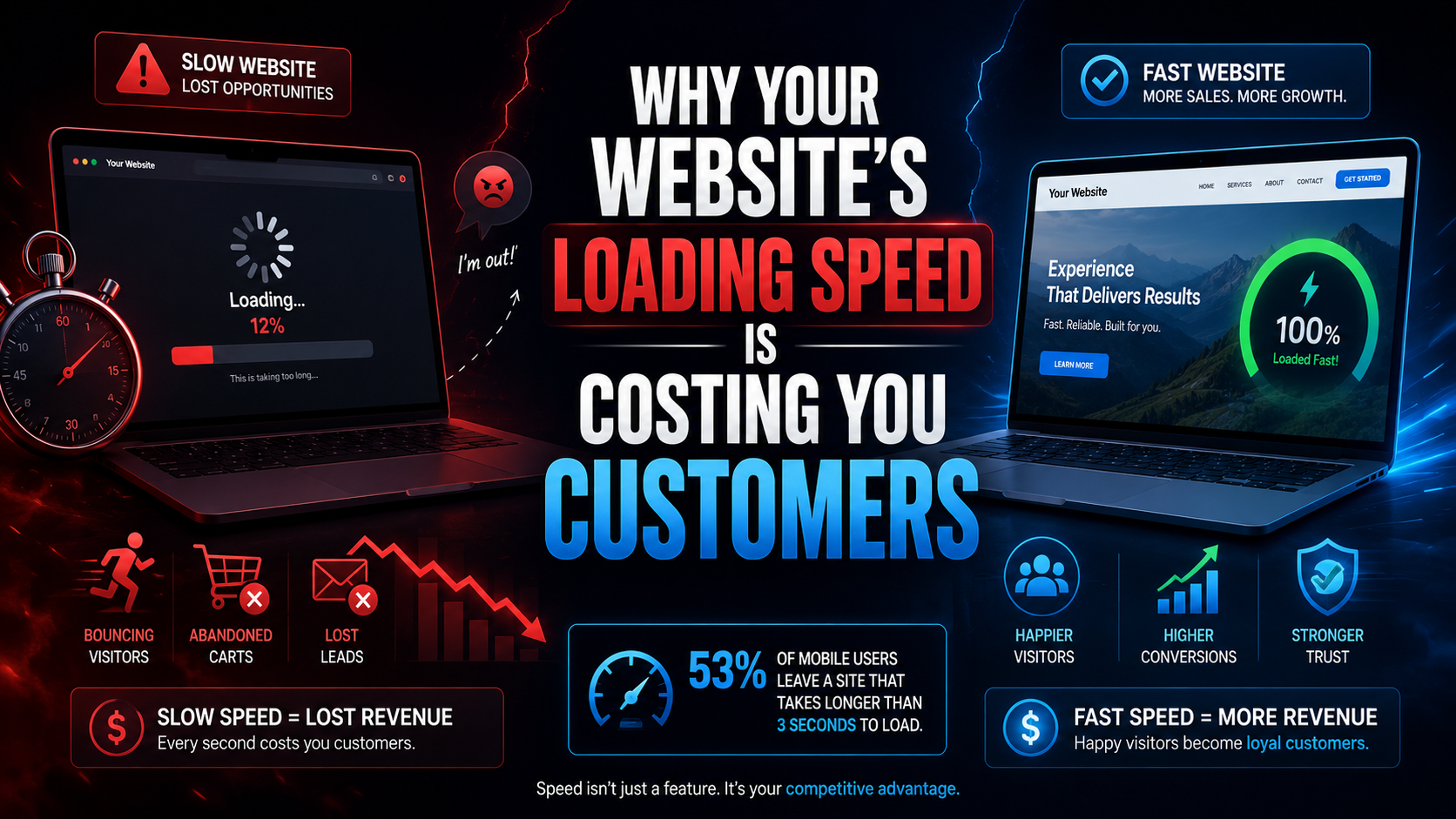
Why Most Indian Business Websites Load Slowly
The causes are almost always structural rather than cosmetic, which is why surface-level fixes rarely produce lasting improvement. Understanding the root problems is essential before any meaningful page speed optimization can happen.
The Shared Hosting Problem
The majority of Indian small business websites are hosted on shared hosting plans that cost between 100 and 300 rupees per month. These plans cram hundreds or even thousands of websites onto a single server, often with data centres located in Singapore, the US, or Europe. The result is a server response time that is fundamentally slow before your website's code even begins to execute. Time to first byte — the duration between a user's request and the first byte of data arriving from the server — on these plans routinely exceeds 800 milliseconds. Google recommends a time to first byte under 200 milliseconds. No amount of front-end optimization can overcome a server that takes four times the recommended duration just to acknowledge that a request was made.
Bloated Themes and Unaudited Plugins
The second structural problem is the theme and plugin ecosystem, particularly on WordPress sites. A typical Indian business website runs a multipurpose theme — Flavor flavor flavor flavor flavor flavor flavor flavor flavor flavor flavor flavor flavor flavor flavor flavor flavor flavor flavor flavor flavors — these themes ship with fifteen to twenty JavaScript and CSS files that load on every single page, regardless of whether the features they power are actually in use. Add to that the plugin accumulation that happens over years — a slider plugin, a popup plugin, a contact form plugin, an analytics plugin, a security plugin, an SEO plugin — and you have a site loading 40 to 60 HTTP requests per page, each one a render blocking resource that delays visual rendering. The core web vitals scores on such sites typically show Largest Contentful Paint exceeding four seconds and a Cumulative Layout Shift that makes the page visually unstable as elements load in random sequence. This is not a website that can be fixed with a caching plugin. This is a website that needs its architecture reconsidered.
How to Diagnose Your Website Loading Speed
Before you can improve website speed, you need to know exactly where the problems are. Guessing leads to wasted effort — optimising images when the real bottleneck is server response time, or switching hosts when the actual problem is render blocking resources.
Core Web Vitals Decoded for Non-Technical Owners
Google's core web vitals framework measures three specific things. Largest Contentful Paint measures how long it takes for the biggest visible element — usually a hero image or a heading block — to fully render. Anything above 2.5 seconds is classified as poor. First Input Delay, now being replaced by Interaction to Next Paint, measures how quickly your site responds when a user taps a button or clicks a link. Cumulative Layout Shift measures visual stability — whether elements jump around as the page loads. You can check all three metrics for free using Google PageSpeed Insights or the Chrome DevTools Lighthouse panel. Run the test on your actual URL, specifically in mobile mode, and document the scores. These numbers are the baseline against which every optimization effort should be measured. If your mobile performance score is below 50, you are in the danger zone, and incremental fixes may not be sufficient — a full site speed optimization project or a rebuild may be the more cost-effective path.
Seven Fixes That Actually Improve Website Speed
Not all speed fixes are equal. Some deliver dramatic results with minimal effort. Others require significant technical intervention. The following are ranked roughly by impact-to-effort ratio for a typical Indian business website.
Image Compression and Modern Formats
Unoptimized images are the single most common reason for slow website loading speed on Indian business sites. A homepage hero image uploaded directly from a phone camera can easily be 3 to 5 megabytes. Compress every image to below 150 kilobytes using tools like ShortPixel or Squoosh, and convert to WebP format, which delivers 25 to 35 percent smaller file sizes than JPEG at equivalent quality. This single change — proper image compression across all pages — can cut total page weight by 60 to 70 percent on image-heavy sites.
Eliminating Render Blocking Resources
Every CSS and JavaScript file that loads in the document head blocks the browser from rendering visible content until the file is fully downloaded and parsed. Identify which scripts are actually needed above the fold and defer or async-load everything else. Critical CSS — the styles needed for the initial viewport — should be inlined directly in the HTML head, while the full stylesheet loads asynchronously. This directly reduces First Contentful Paint and improves the perceived speed of your site even before total load time changes.
Server Response Time and Hosting Upgrades
If your time to first byte exceeds 400 milliseconds, no front-end optimization will compensate. Migrate to a managed hosting provider with Indian data centre locations — providers like DigitalOcean's Bangalore region, Amazon Lightsail Mumbai, or Cloudways with a Vultr Mumbai node. The cost difference between a 200-rupee shared plan and a 600-rupee managed VPS is trivial compared to the revenue impact of cutting server response time by 70 percent.
Lazy Loading and Deferred Scripts
Lazy loading ensures that images and videos below the fold do not load until the user scrolls to them. This dramatically reduces initial page weight and improves Largest Contentful Paint. Modern browsers support native lazy loading with a single HTML attribute, making implementation straightforward. Combine this with deferred loading of non-critical JavaScript — chat widgets, analytics scripts, social media embeds — and you remove the render blocking resources that delay interactivity.
Content Delivery Network Configuration
A content delivery network caches static copies of your website's assets — images, CSS, JavaScript files — on servers distributed across multiple geographic locations. When a user in Jaipur requests your page, the assets load from a nearby CDN node rather than your origin server in Mumbai or Singapore. Cloudflare offers a free tier that provides basic CDN functionality with Indian edge nodes. For serious page speed optimization, a properly configured CDN can reduce asset delivery time by 40 to 60 percent for users outside your server's immediate geography.
Database and Plugin Cleanup
WordPress databases accumulate post revisions, transient options, spam comments, and orphaned metadata over time. A database with 50,000 unnecessary rows responds slower to every query. Use WP-Optimize or a similar tool to clean the database, remove deactivated plugins entirely rather than just deactivating them, and eliminate any plugin whose function can be achieved with two lines of code instead of a 500-kilobyte plugin. Every plugin removed is one fewer set of render blocking resources loaded on every page.
When You Need to Rebuild Instead of Patch
There is a threshold beyond which optimisation becomes a poor investment. If your mobile performance score is below 30, if your theme loads more than 15 external scripts, if your hosting is on an overseas shared server, and if your core web vitals are all in the red — you are not looking at an optimisation project. You are looking at a rebuild. In such cases, the most cost-effective path to a fast loading website is to start fresh with a lightweight theme or a custom build, modern hosting, and a clean content migration. Attempting to fix a fundamentally broken architecture is like renovating a building with a cracked foundation — the money goes in, but the structure remains compromised.
The Compounding Effect of Page Speed on Search Rankings
Google has been transparent about the fact that page experience signals, including core web vitals, are ranking factors. A website that scores well on these metrics does not automatically rank first, but a website that scores poorly is actively penalised. This is where website speed optimization intersects directly with your SEO services investment. If you are paying for search engine optimisation — content creation, link building, keyword targeting — but your site fails basic performance benchmarks, you are undermining your own spend. The content might be excellent, the keywords perfectly targeted, but Google will hesitate to surface a page in top positions if it knows the user experience on that page is poor. Every blog post you publish, every service page you optimise, every testimonial you add delivers diminished returns when the underlying site speed is working against you. Fixing your website loading speed does not just improve user experience. It amplifies the return on every other digital marketing investment you are making.
Final Word
Website loading speed is not a vanity metric and it is not a concern only for large enterprises with dedicated DevOps teams. For Indian small and mid-sized businesses, it is the most underestimated factor separating websites that generate revenue from websites that silently bleed it. The fixes range from simple and free — image compression, lazy loading, database cleanup — to structural and investment-worthy — hosting migration, CDN configuration, full rebuilds. The important thing is to diagnose accurately before acting. Run the audits, document the core web vitals scores, identify whether you need optimization or a rebuild, and then commit to the path that matches the severity of the problem. Infinite Option provides web development services built on this exact diagnostic-first approach — because the businesses that will dominate local search in 2026 are not the ones with the prettiest websites, but the ones with the fastest, most technically sound foundations underneath them.