
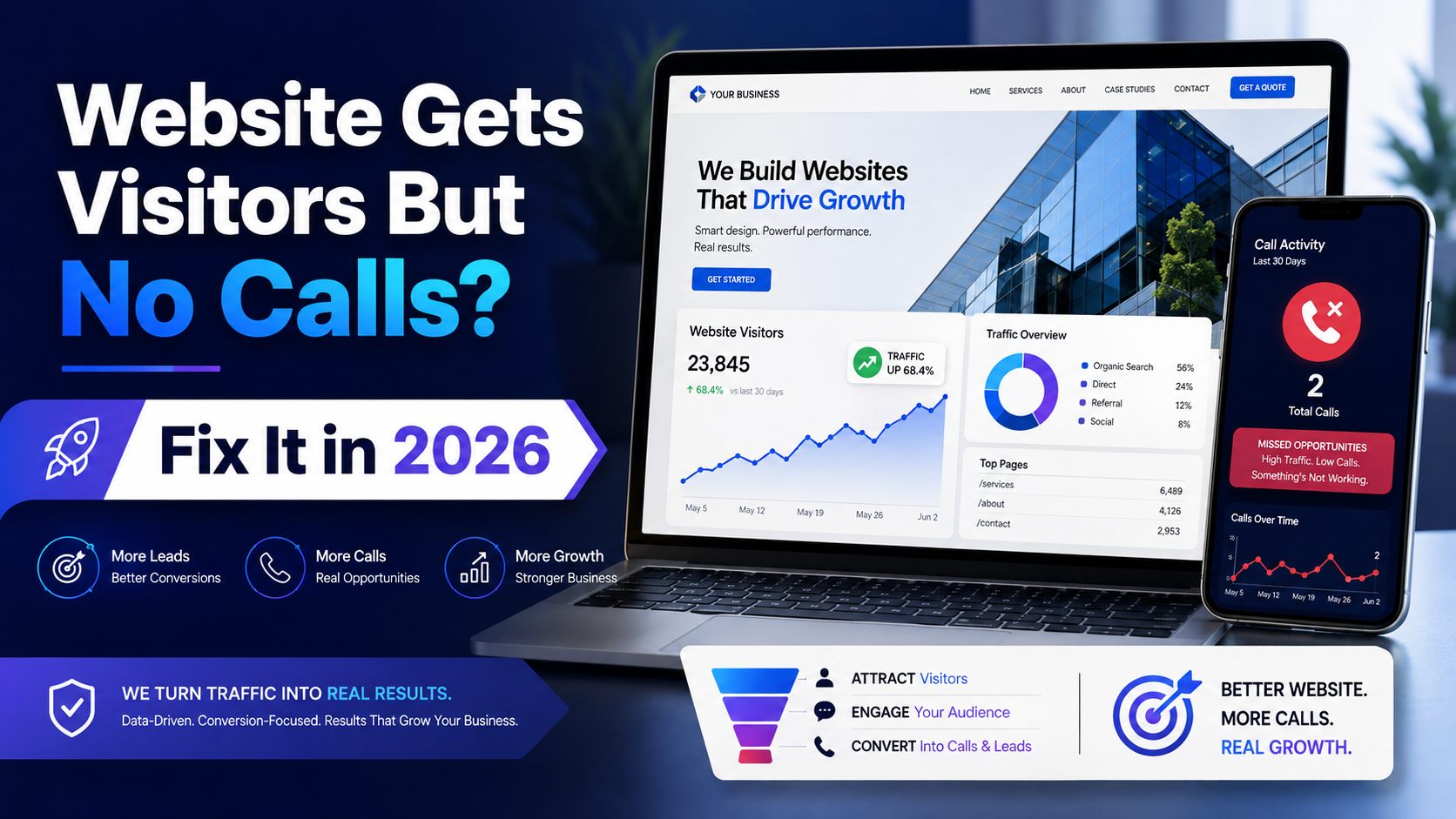
Why does my website get visitors but no calls or inquiries?
Your website has a conversion problem, not a traffic problem. Common causes include hidden contact details, no clear call-to-action, missing trust signals, slow load speed, and overly long contact forms. Fixing these can push conversion rates from 0.5% to 5–8%.

Traffic Without Calls Means Your Website Has a Conversion Problem, Not a Visitor Problem
You check your website analytics. Decent traffic. People are visiting. But your phone stays quiet. No WhatsApp pings. No inquiry form submissions. Nothing.
This is one of the most frustrating situations a small business owner can face — and it's more common than you think. The average Indian SME website converts at just 0.5–1.5%, compared to a global average of 2–3%. A well-optimized site can hit 5–8%. That gap is where your calls are disappearing.
The problem isn't your traffic. It's what happens after someone lands on your page.
Most small business websites are digital brochures. They look decent, they list services, maybe they have a contact page buried somewhere — but they don't do anything. They don't guide the visitor. They don't build trust fast enough. They don't make it obvious what the next step is.
Every website has one job to do in the first five seconds: answer the question "Why should I call YOU?" Not your competitor. Not someone they found on JustDial. You. If your homepage can't answer that clearly and quickly, the visitor leaves. And they probably won't come back.
The 5 Real Reasons Visitors Leave Without Calling You
Reason 1: Your phone number and WhatsApp button are buried
If someone has to scroll down or hunt through your navigation to find your phone number, you've already lost them. Your contact details need to be visible the moment the page loads — ideally in the header, sticky so it stays visible as they scroll.
Also: if your phone number isn't a clickable link on mobile, you're throwing away leads. Research shows that non-clickable phone numbers cost businesses 40%+ of potential callers on mobile. And with 72% of Indian consumers preferring WhatsApp over email for business contact (Meta India data), a floating WhatsApp button isn't optional anymore — it's basic.
Reason 2: No clear CTA — visitors don't know what to do next
You'd be surprised how many websites have zero call-to-action. Or worse, they have five different ones competing for attention. "Call us." "Fill the form." "Download our brochure." "Follow us on Instagram." "Subscribe to our newsletter."
Pick one primary action you want visitors to take. Then make that action obvious. Everything else is secondary.
Reason 3: Zero trust signals
A visitor who doesn't know you is making a judgment call in seconds. No client photos, no real testimonials, no project examples — nothing that proves you've actually done this work before. Generic stock photos and vague claims like "we provide quality service" don't cut it anymore.
Real names. Real photos. Real results. That's what builds trust fast enough to get a call.
Reason 4: Slow load speed kills intent
According to Google's own data, 53% of mobile users abandon a site that takes more than 3 seconds to load. And a 1-second delay in load time reduces conversions by 7% (Akamai). Someone searching for a service in your city is ready to act — but only if your site loads before their patience runs out.
If you haven't checked your site on a mid-range Android phone on a 4G connection recently, do it today. That's how most of your visitors are experiencing it.
Reason 5: Contact form is too long or broken
A 10-field contact form asking for company name, designation, budget range, preferred callback time, and how they heard about you — that's not a form, that's an interrogation. People abandon long forms. Keep it to three fields: Name, Phone, Message. That's it. And test it regularly to make sure it actually works and submissions reach your inbox.
Landing Page vs. Full Website — Which Converts Better for Getting Calls?
This debate comes up a lot, especially when businesses are running Meta Ads or promotions. Here's the honest answer.
Landing pages win for single-goal campaigns. If you're running an ad for one specific service — say, a Durga Puja decoration package or a monsoon AC service offer — a focused landing page with one CTA, no navigation distractions, and a clear offer will outperform a full website every time.
Full websites win for trust-building. When someone searches for your business name, looks you up before calling, or wants to understand the full range of what you do — a proper website with multiple pages, a portfolio, and detailed service information does the job that a landing page can't.
The smart answer for most small businesses? A full website where the homepage is designed like a landing page. One clear hero message. One primary CTA. Social proof early. No clutter. Then the rest of the site supports the decision they've already started making.
This is exactly the approach we take at Infinite Option — conversion-focused homepage sections built inside a full CRM-powered website, so you get both the trust of a complete site and the focus of a campaign page.
What a Call-Generating Website Actually Looks Like in 2026
Let's get specific. Here's what the structure looks like on a website that actually generates calls:
If you're not sure how your site performs on mobile, our blog on why websites don't work on mobile covers the most common issues and how to spot them.
How to Fix Your Existing Website Without Rebuilding It From Scratch
Not every problem needs a full rebuild. Some quick fixes can make a real difference within a week.
Add a floating WhatsApp button. This alone has increased inquiry rates for several of our clients. It's always visible, it's the contact method most Indian customers prefer, and it removes friction completely. One tap and they're talking to you.
Move your phone number to the top. If it's currently in the footer or on the contact page only, move it to the header. Make it a clickable tel: link so mobile users can dial with one tap.
Add 3 real client testimonials with names and photos. Not "— Happy Customer, Mumbai." Real names, real businesses, real outcomes. If you can get a Google review screenshot, even better. Generic quotes don't move anyone.
Shorten your contact form to 3 fields. Name, Phone, Message. Remove everything else. You can ask for more details once they've actually reached out.
Run Google PageSpeed Insights on your site right now. It's free. If your mobile score is below 70, you have a speed problem that's costing you leads. Common culprits: uncompressed images, too many plugins (especially on WordPress), and cheap shared hosting.
That said, quick fixes have limits. If your website was built without conversion in mind from the start — no CRM, no proper mobile layout, no clear structure — patching it is like painting over damp walls. At some point, a proper website development project is the more cost-effective choice. Signs you've hit that point: your site is over 4 years old, it's not responsive, you can't update content yourself, or your bounce rate is above 80%.
For a realistic look at what a proper rebuild costs in India, our breakdown of website costs in India for 2026 is worth reading before you make any decisions.
Final Thoughts: Your Website Should Work as Hard as You Do
Every day your website gets visitors but no calls, you're paying for traffic — through ads, through SEO effort, through word of mouth — and getting nothing back. That's not a traffic problem. That's a leaking bucket.
The fix isn't more visitors. It's a website built to convert the visitors you already have. Sticky contact buttons. Clear CTAs. Real social proof. Fast load times. A form that doesn't scare people away.
At Infinite Option, we build custom websites with built-in CRM, WhatsApp integration, and conversion-focused design — starting at ₹12,000 with domain, hosting, and SSL included. Every site we build is designed to generate actual inquiries, not just look good in a screenshot.
If you want to know exactly what's stopping your current website from generating calls, get in touch with us — we'll take a look and tell you honestly what's working, what isn't, and what the fix looks like. No sales pitch, just a straight answer.
Add concrete mobile targets after the existing stats: 'Your goal: page interactive in under 3 seconds, Google PageSpeed mobile score above 70. Test free at pagespeed.web.dev. Most Indian SME sites score 20–40 — that alone explains missing calls.'
Update Reason 3 to add: 'Placement matters as much as presence. Reviews and client photos must appear above the fold or within the first scroll — not buried on a separate Testimonials page. Place at least one real review next to your primary CTA.'
Update Reason 3 to specify placement: 'Place at least one testimonial with a real name and photo within the first screen (above the fold) on mobile, adjacent to your primary CTA. Star ratings, project count, or a recognisable client logo work faster than paragraphs of text.'
Add an H2: 'First: Is This a Traffic Problem, a Conversion Problem, or a Follow-Up Problem?' with a 3-branch decision tree. If sessions < 500/month → fix traffic first. If sessions > 500 but CR < 2% → CRO. If inquiries exist but no sales → fix follow-up.
Add H2: 'How to Diagnose Your Conversion Problem (Free Tools)' covering: GA4 exit pages, Search Console query intent check, heatmaps (Hotjar/Microsoft Clarity — free), session recordings, and form-start vs form-submit gap. Note: trust heatmap patterns only after 500–1,000 sessions. Add a tip under Reason 2 or as Reason 6: 'Your contact form asks too much.' Benchmark: 3 fields or fewer (Name, Phone, Service needed) for high-intent local lead capture. Every extra field reduces submissions. Link to a real example from Infinite Option projects.
Is This a Traffic Problem, a Conversion Problem, or a Follow-Up Problem?
• Under 500 sessions/month → fix traffic first, CRO is premature
• 500+ sessions, CR below 2% → conversion is the issue, use this checklist
• Inquiries exist but no sales → follow-up speed and process is the real problem
• Quick GA4 check: go to Pages report, sort by exits on homepage
Add a 'Step 0: Is This Really a Conversion Problem?' section before the 5 reasons. Cover:
(1) If sessions < 300/month, fix traffic first.
(2) If conversion rate < 2%, prioritize CRO.
(3) If enquiries exist but no sales, fix follow-up. Cite the 2% benchmark from research. Add 'How to Verify Your Conversion Problem (Free Tools)' section: GA4 exit pages, Search Console query-to-page match, heatmaps after 500+ sessions, session recordings, form-start vs form-submit gap. Keep it to 5 bullet points with one-line explanations.
30-Day Quick-Win Action Plan for Indian Small Businesses
• Week 1: Fix CTA, add clickable phone + WhatsApp button above fold
• Week 2: Add real testimonials near CTA, reduce form to 3 fields
• Week 3: Run PageSpeed Insights, fix mobile score below 70
• Week 4: Create one intent-matched service or city landing page
Add a 'Step 0: Is It Traffic or Conversion?' section. Instruct readers: open GA4 → check sessions vs goal completions; open Search Console → check query intent. If sessions <300/month, it's a visibility problem. If sessions >300 but enquiries <2%, it's conversion. Add a 'Test Your Forms Right Now' micro-checklist: (1) Submit your own form — did you receive the notification? (2) Count fields — Indian guides recommend ≤5 fields for primary enquiry forms. (3) Check mobile: does the form keyboard cover the submit button? (4) Add WhatsApp as fallback if form fails.
Step 0: Is It a Traffic Problem or a Conversion Problem? (Run This Check First)
• Open GA4: check monthly sessions — under 300 = visibility problem, not conversion• Open Search Console: are queries informational ('how to') or buyer intent ('price', 'hire', 'near me')?• Calculate your conversion rate: enquiries ÷ sessions × 100 — under 2% = conversion issue• Decision tree: which problem to fix first based on result